 Rukhsar Khundmiri
ADID · Downtown Atlanta Wayfinding
A city’s first impression, redesigned before the world arrived
A wayfinding kiosk for downtown Atlanta, ahead of the 2026 World Cup. I led UX for this SCAD collaboration with ADID, from research to a handed-off design system.
- Role
- UX Design Lead
- Team
- Raven Glister +5 others
- Timeline
- 10 weeks
- Skills
- Design Systems, UI Design, Interaction Design
Open the interactive case study
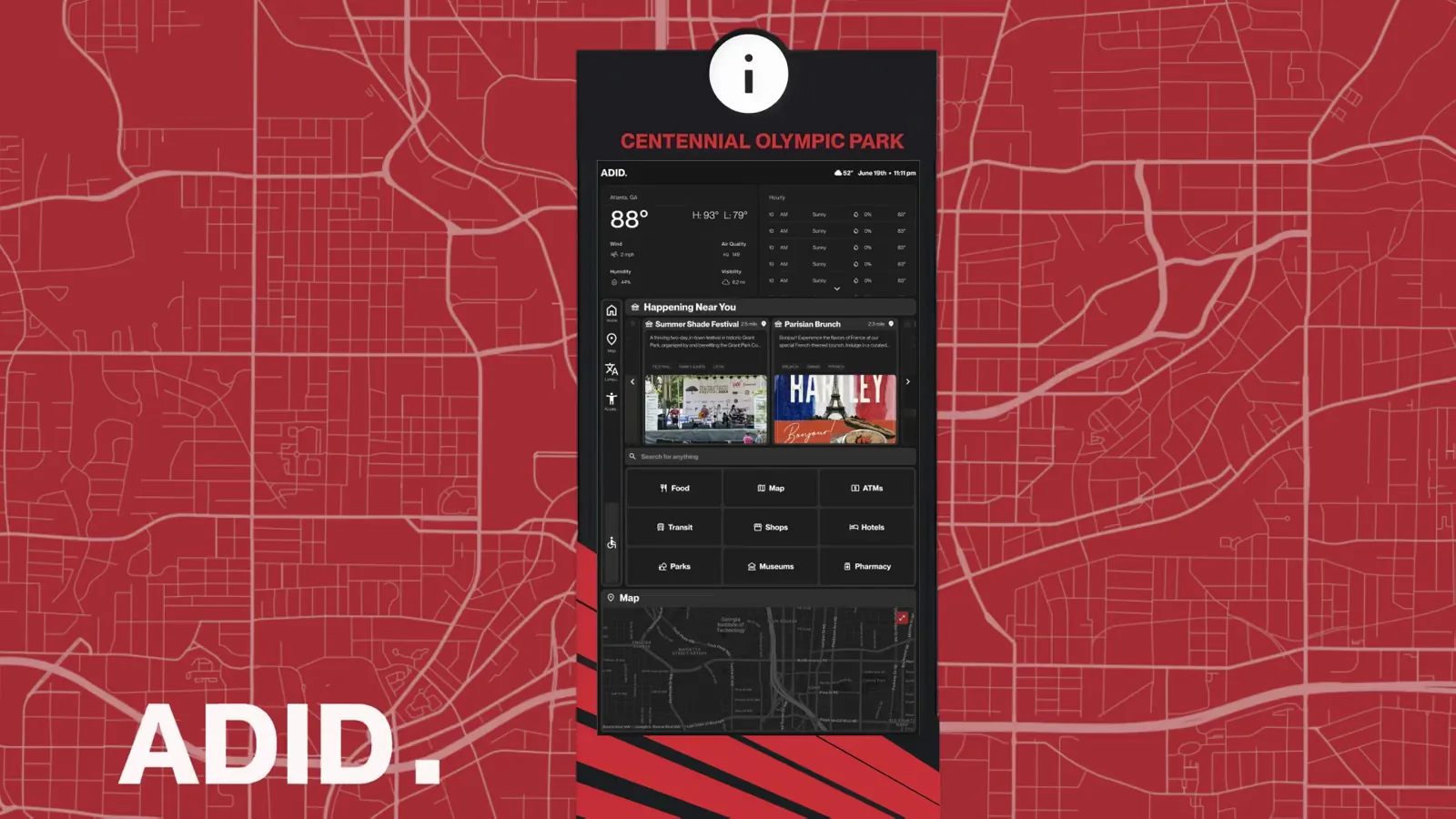
Overview
Atlanta’s downtown wayfinding hadn’t kept up with the city, and the 2026 World Cup was coming.
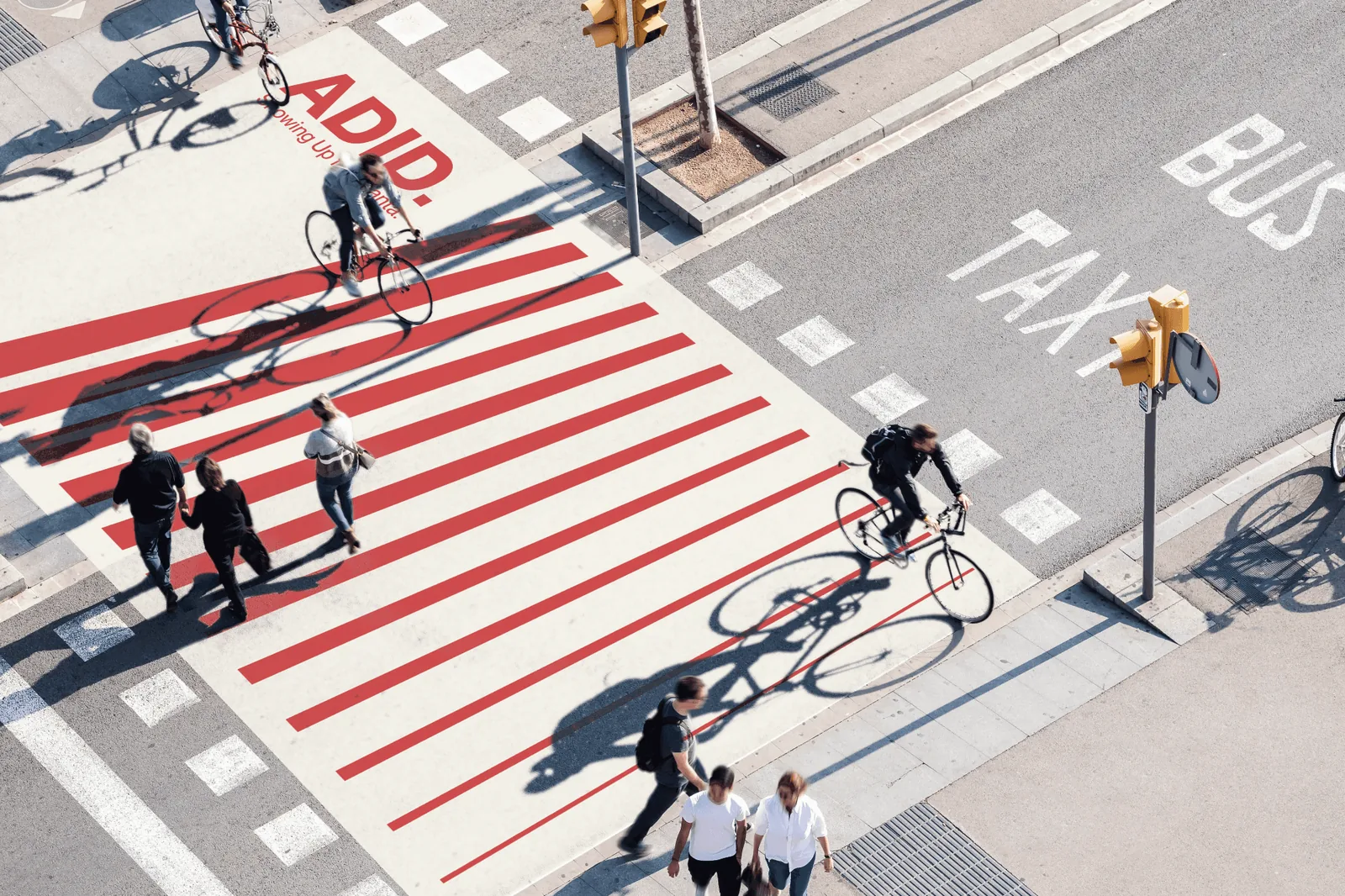
ADID, the Atlanta Downtown Improvement District, is the city’s official destination and information organization. Downtown relied on a single staffed booth to help visitors find their way, but it couldn’t scale to a city about to host the world. Through a SCAD collaboration with ADID, I led UX design for a digital wayfinding kiosk, taking it from research to a validated design and design system handed off to the ADID team. It tested above the industry usability benchmark:
- 74
- SUS (usability testing)
- 3
- Rounds of usability testing
- 105+
- Research participants
A SUS of 74 clears the industry usability benchmark of 68.
The Design
A digital wayfinding kiosk and the design system built to support it, validated through usability testing.
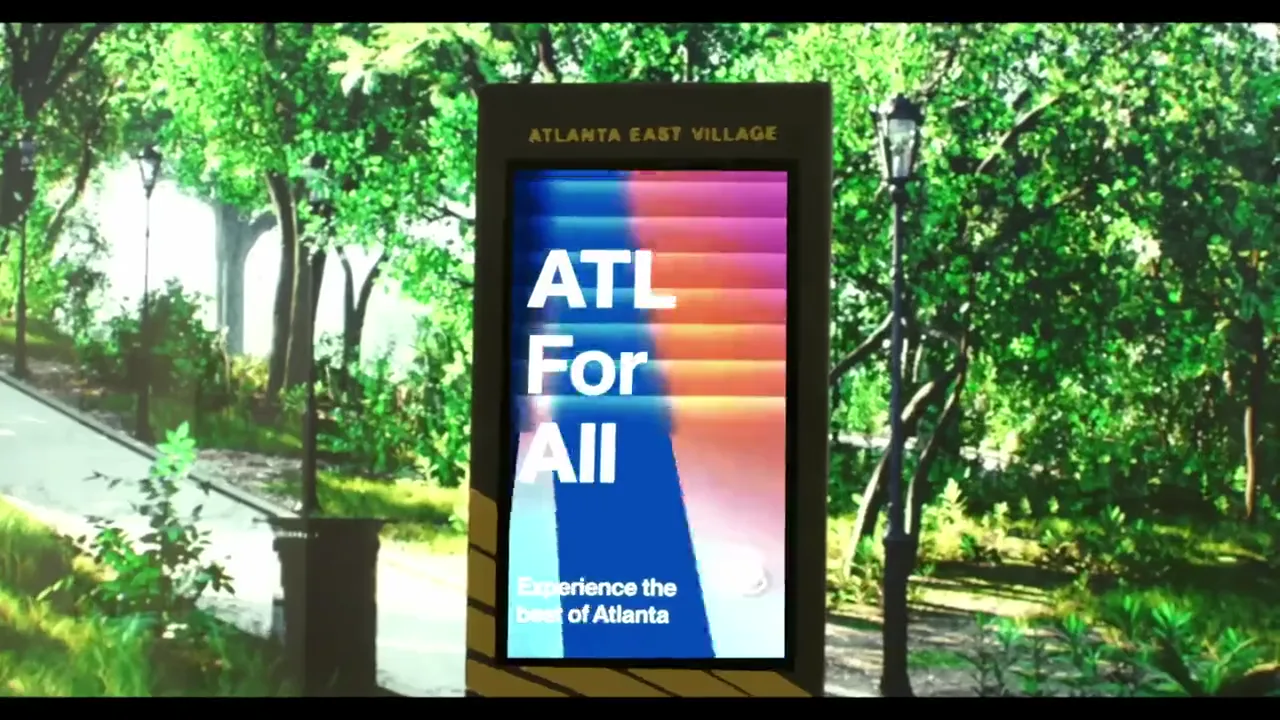
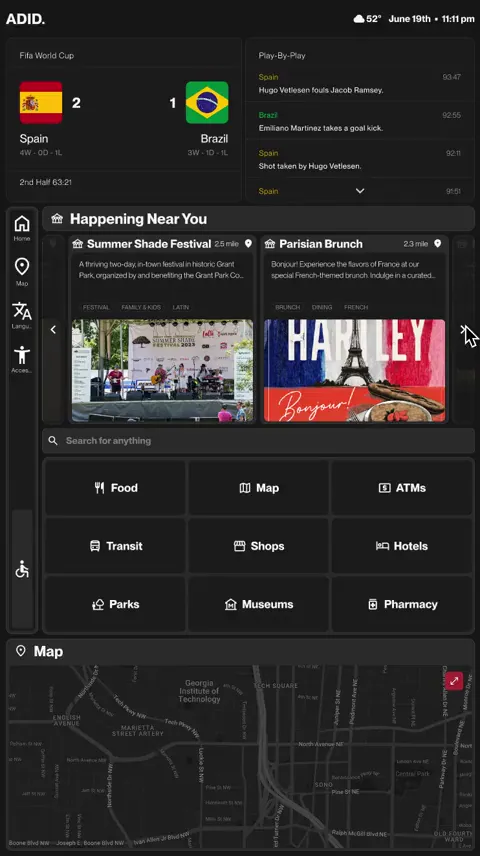
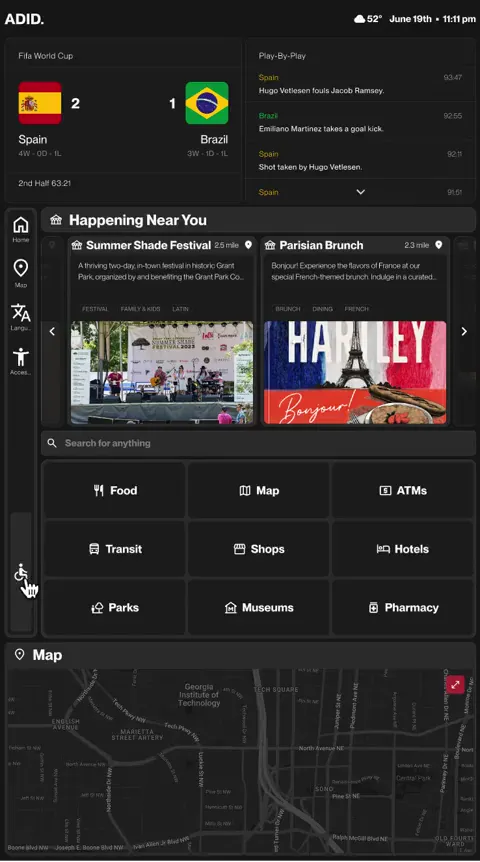
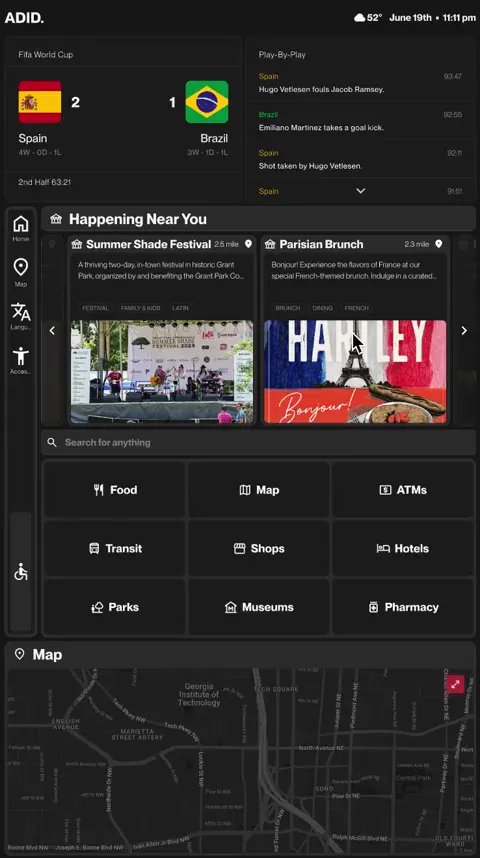
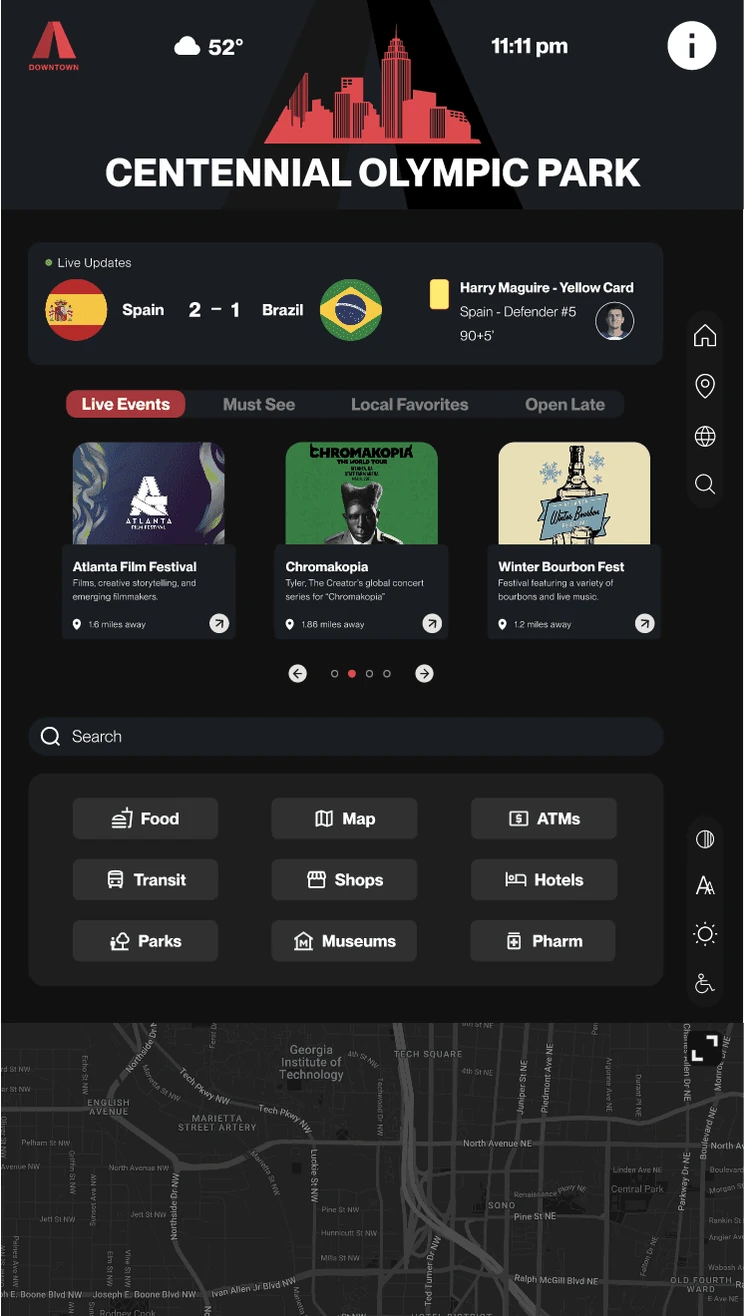
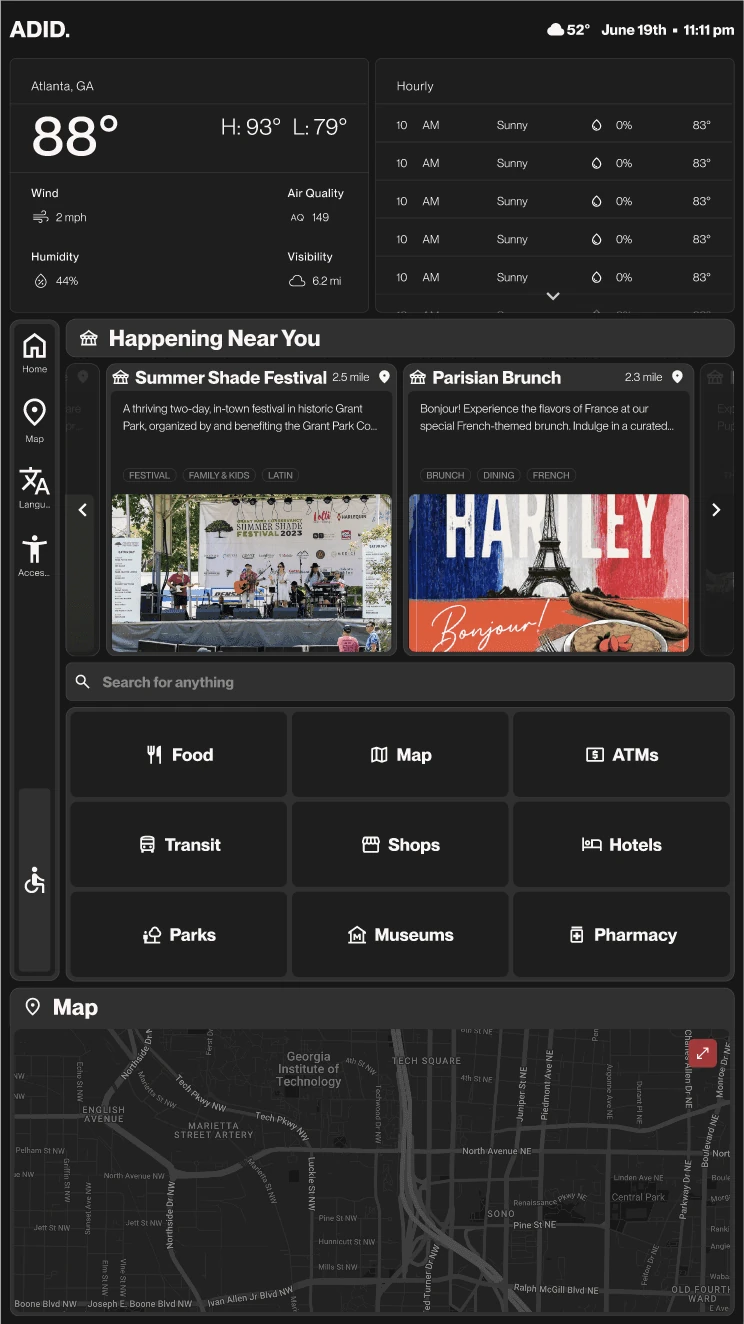
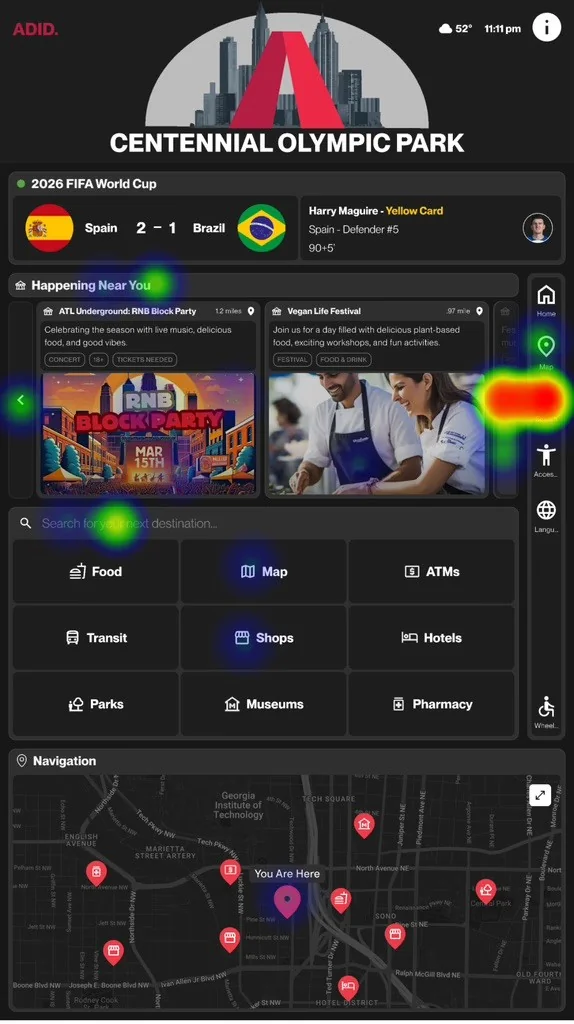
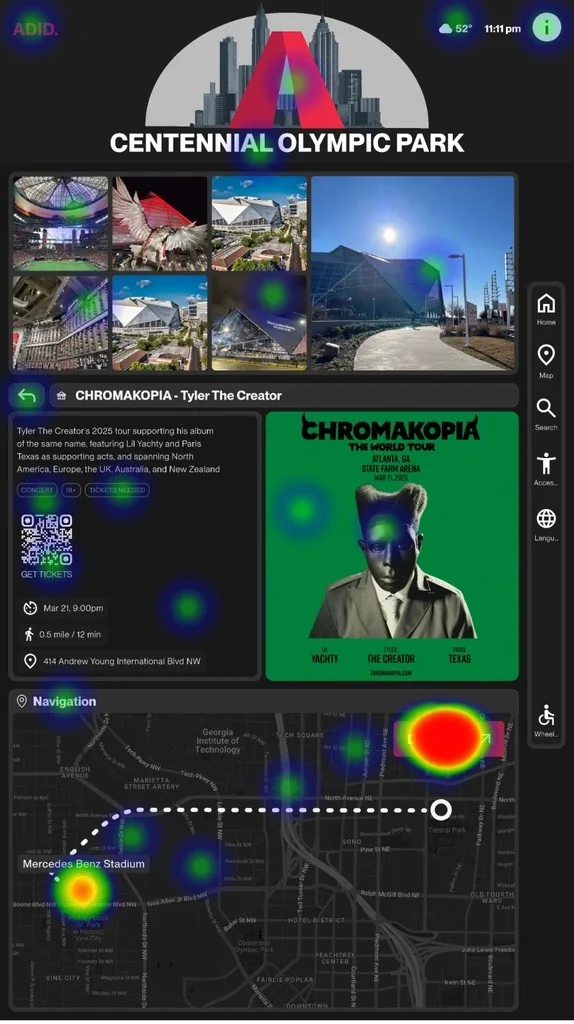
The kiosk gives visitors maps, transit, live events, and accessibility support at a glance, built for the speed and clarity a busy downtown demands. Underneath it runs a design system I built from scratch — more on that below!
How We Got Here
A single staffed booth couldn’t scale to a city expecting the world. Research with 105+ people showed what a digital kiosk needed to do.
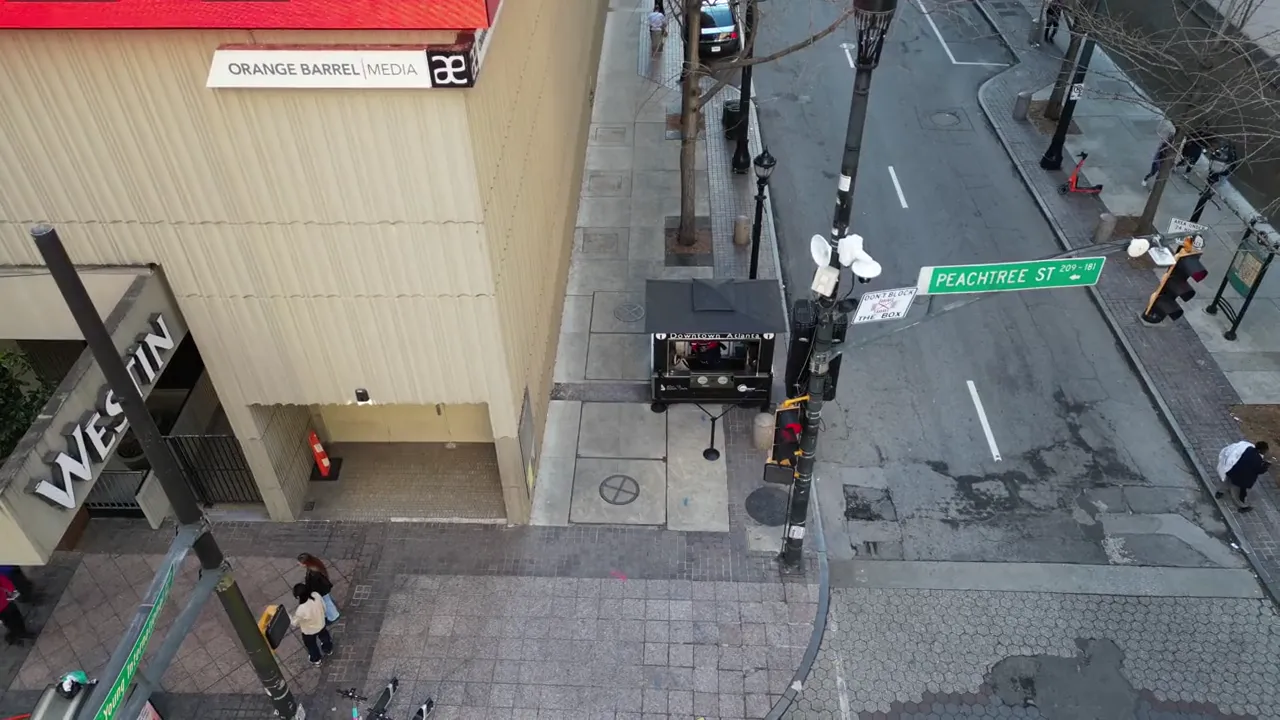
As UX Design Lead, I led a team of 6 through the research on the ground: observational studies with 25 to 30 visitors, 105 surveys, and interviews with ADID staff and stakeholders. The obvious fix was more signage, or another staffed booth. The research pointed somewhere else: what downtown needed was a fast, accessible, self-serve touchpoint people could use without waiting on anyone. That gap defined the kiosk’s job.
“We rely on our phones to look things up. It’s not ideal when someone needs help fast.”
ADID Safety Officer
Decisions
Two testing-driven calls: repositioning the nav bar for reach, and fixing a language icon with an 88.1% misclick rate.
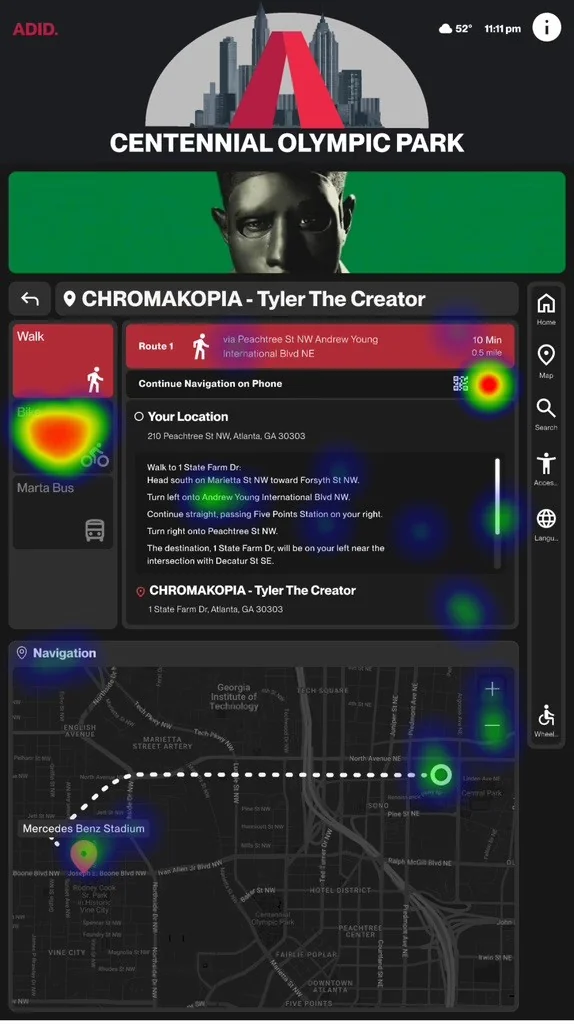
The nav bar started on the right, but on a tall kiosk that sat above comfortable reach, and testers missed taps. Moving it left, where hands rest at kiosk height, improved icon discoverability and reduced missed taps across core tasks. The language icon was clearer-cut: an 88.1% misclick rate showed people didn’t recognize it as “change language.” A more literal symbol fixed it in the next round.
Built For Handoff
One design system to keep every kiosk screen consistent at scale.
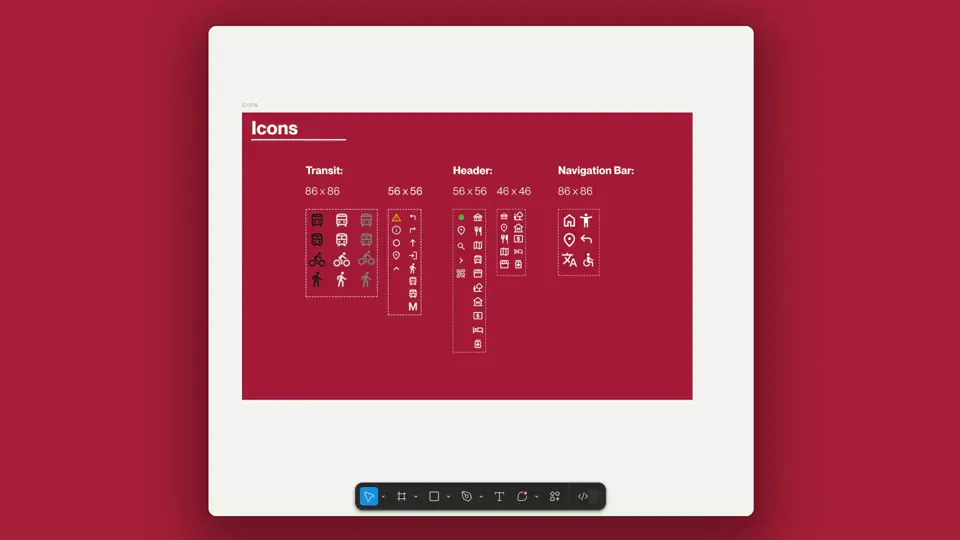
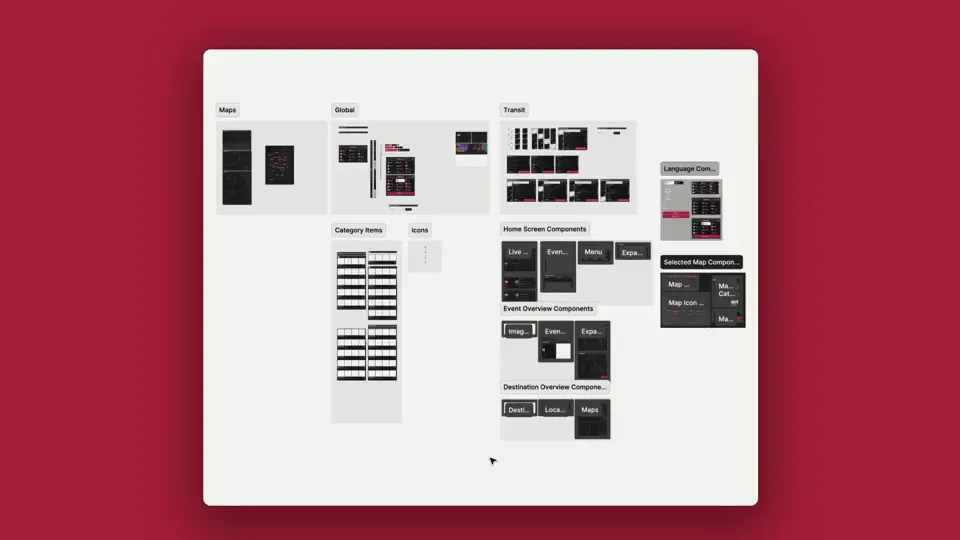
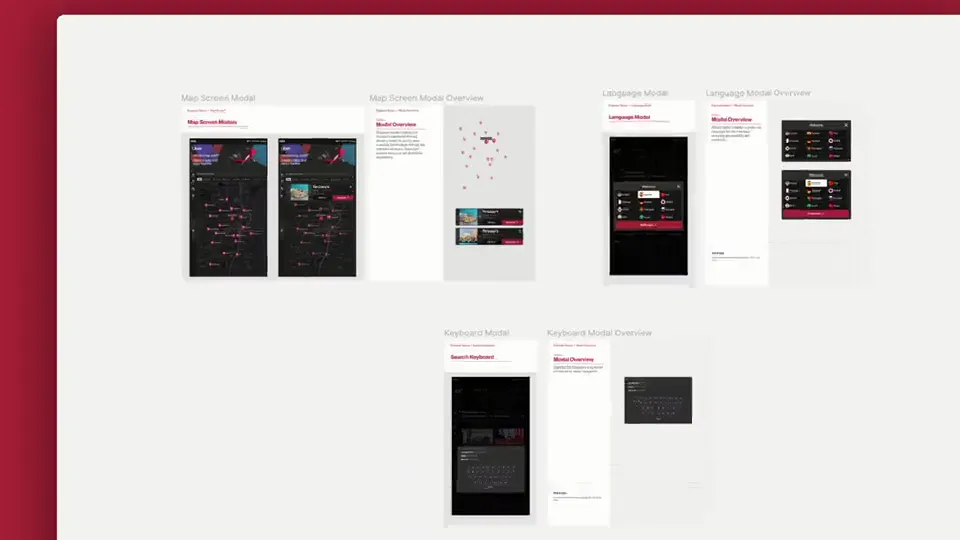
I built the system from scratch: icons, modals, components, and templates, all documented for a clean developer handoff. It kept the interface consistent across every flow and every screen state, so the team could extend the kiosk after the project without losing the design’s logic.
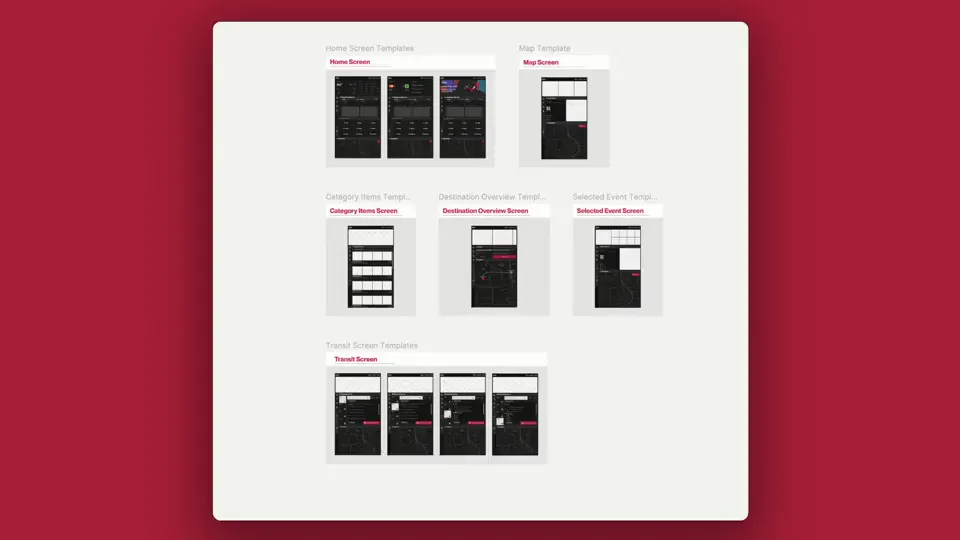
Check out the design system
ADID Design Library ↗ · Icons, components, modals and templates
Did it Work?
Validated across three rounds of testing to a SUS of 74, then handed to ADID.
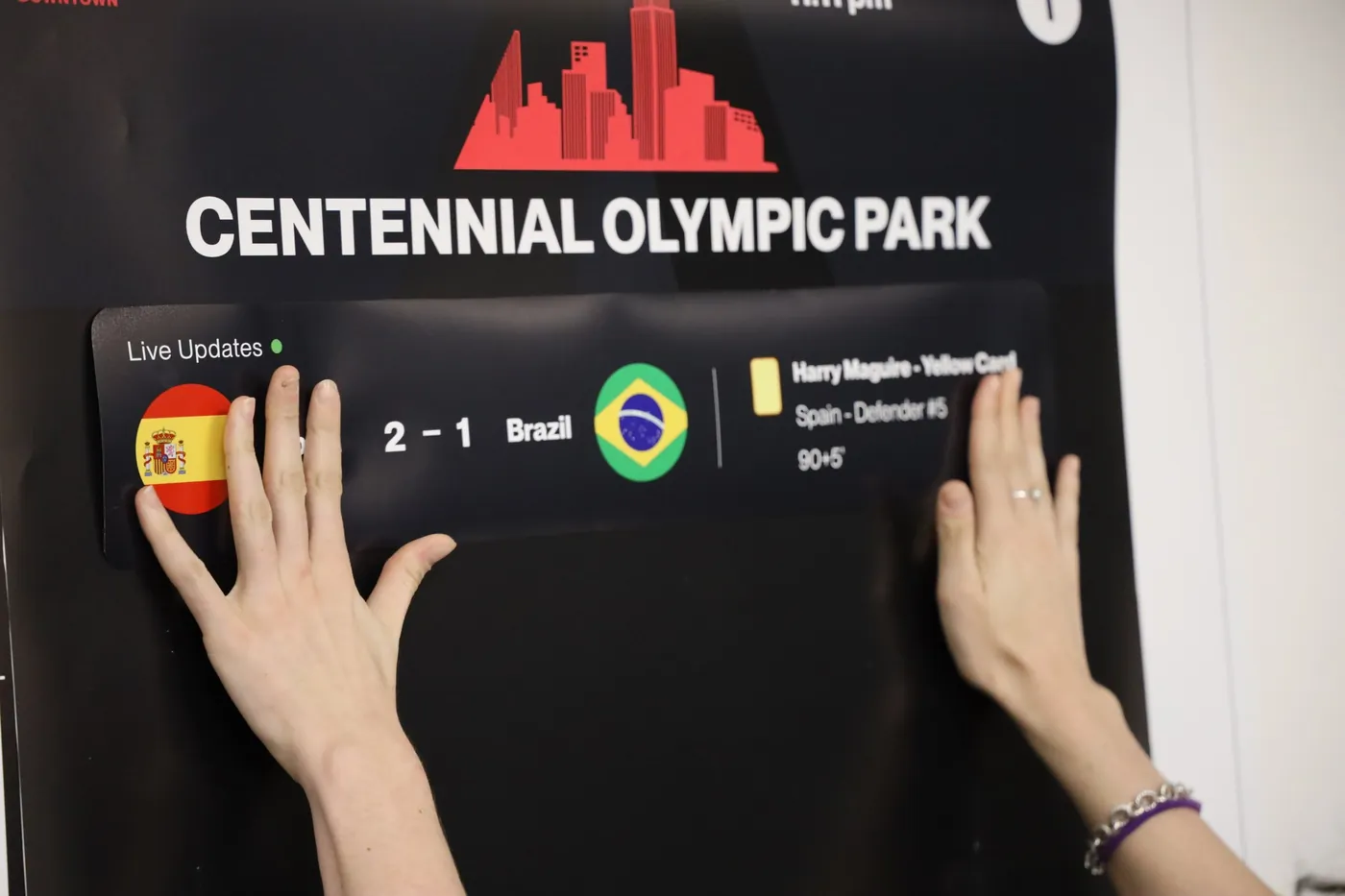
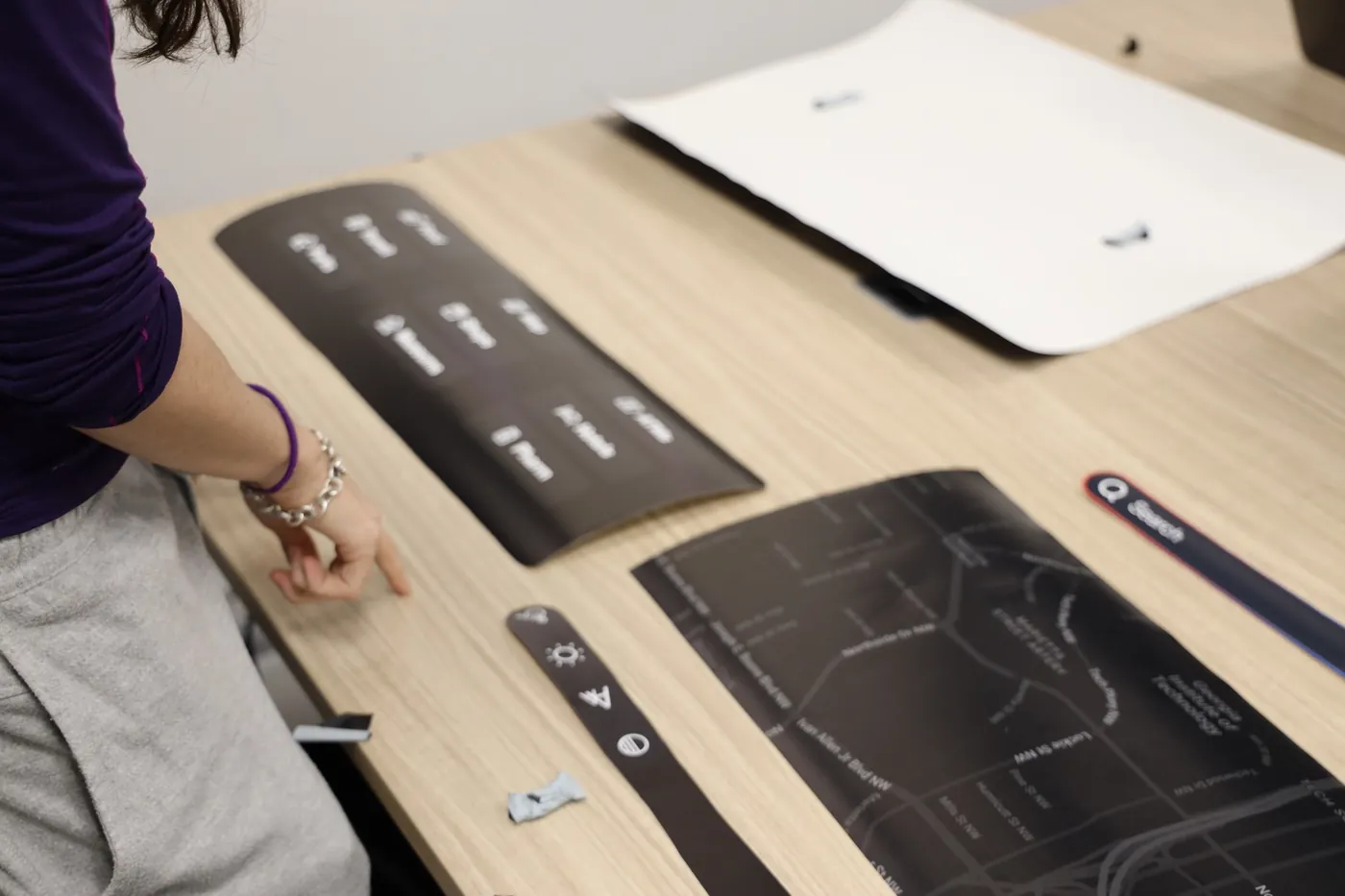
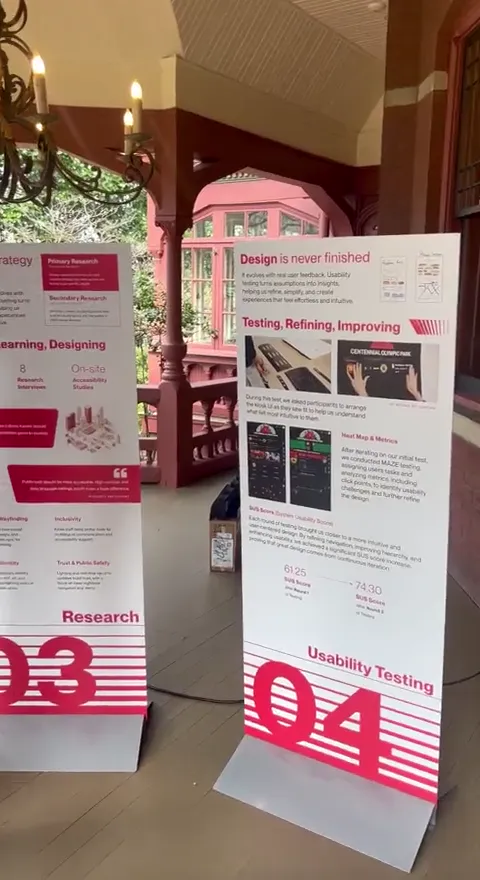
Testing was a team effort, and I owned the Maze rounds. With no screen yet, we started on a full-scale paper prototype, then ran three rounds of Maze with 26 participants. In the final round, 84.6% located a concert using search or the “Happening Near You” carousel, and 20 of 26 found “Get Directions” without hesitation.
Delivered
Handed off to ADID, ready for the 2026 World Cup.
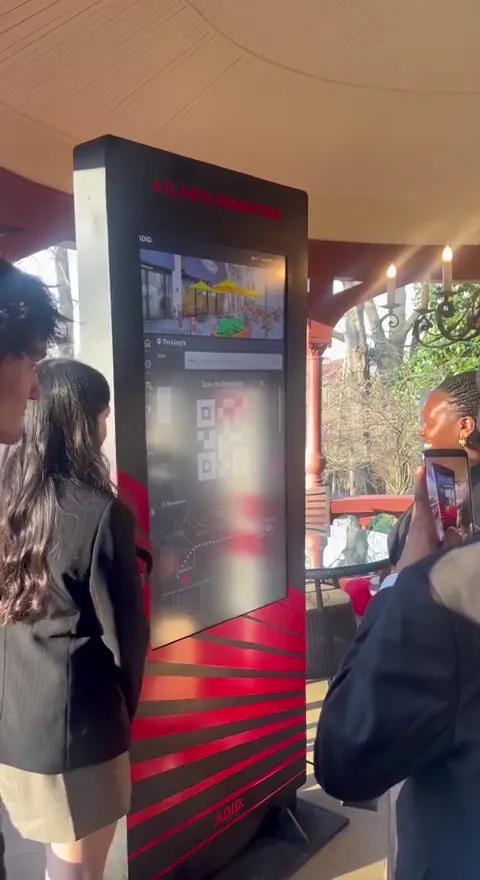
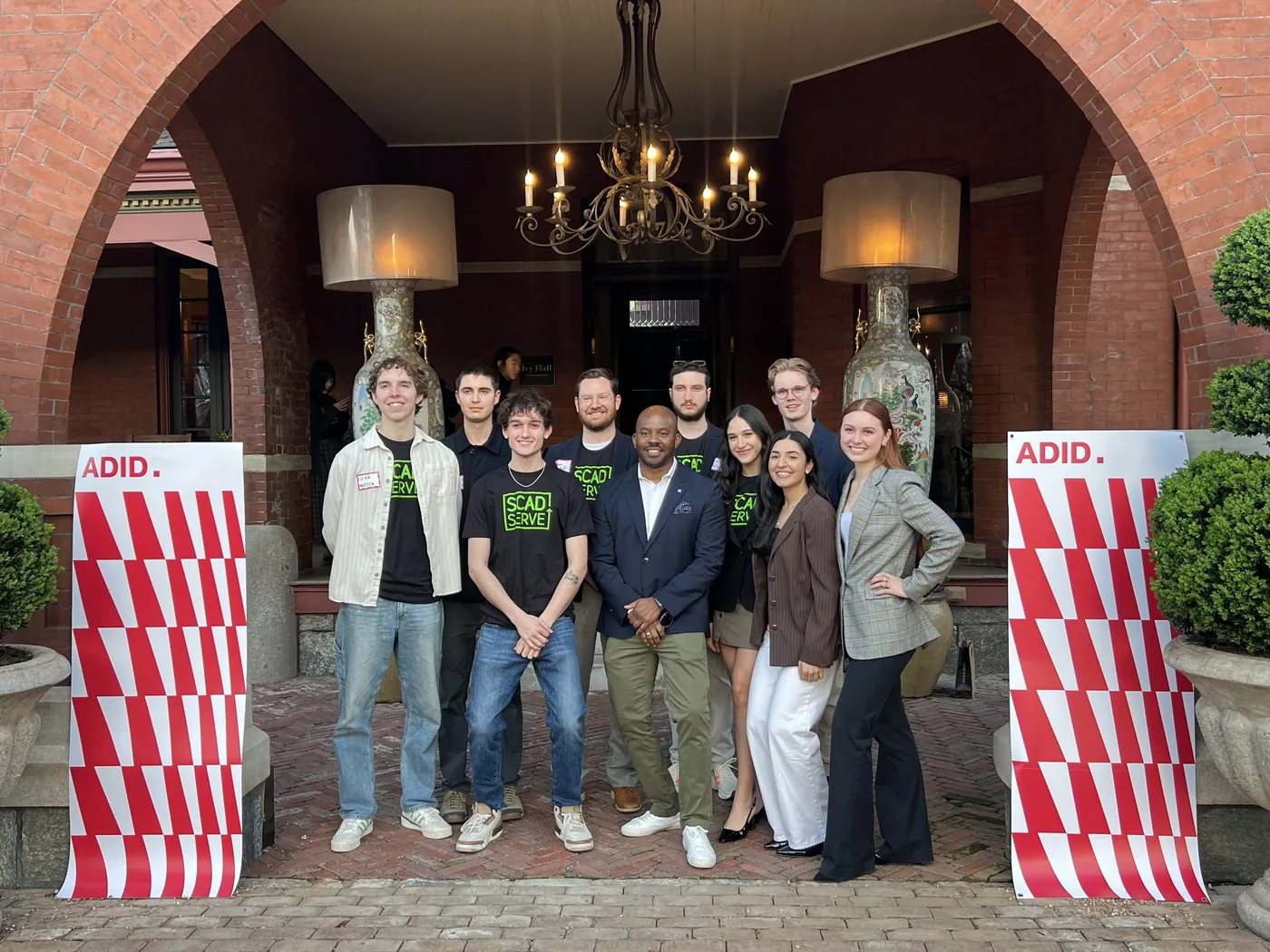
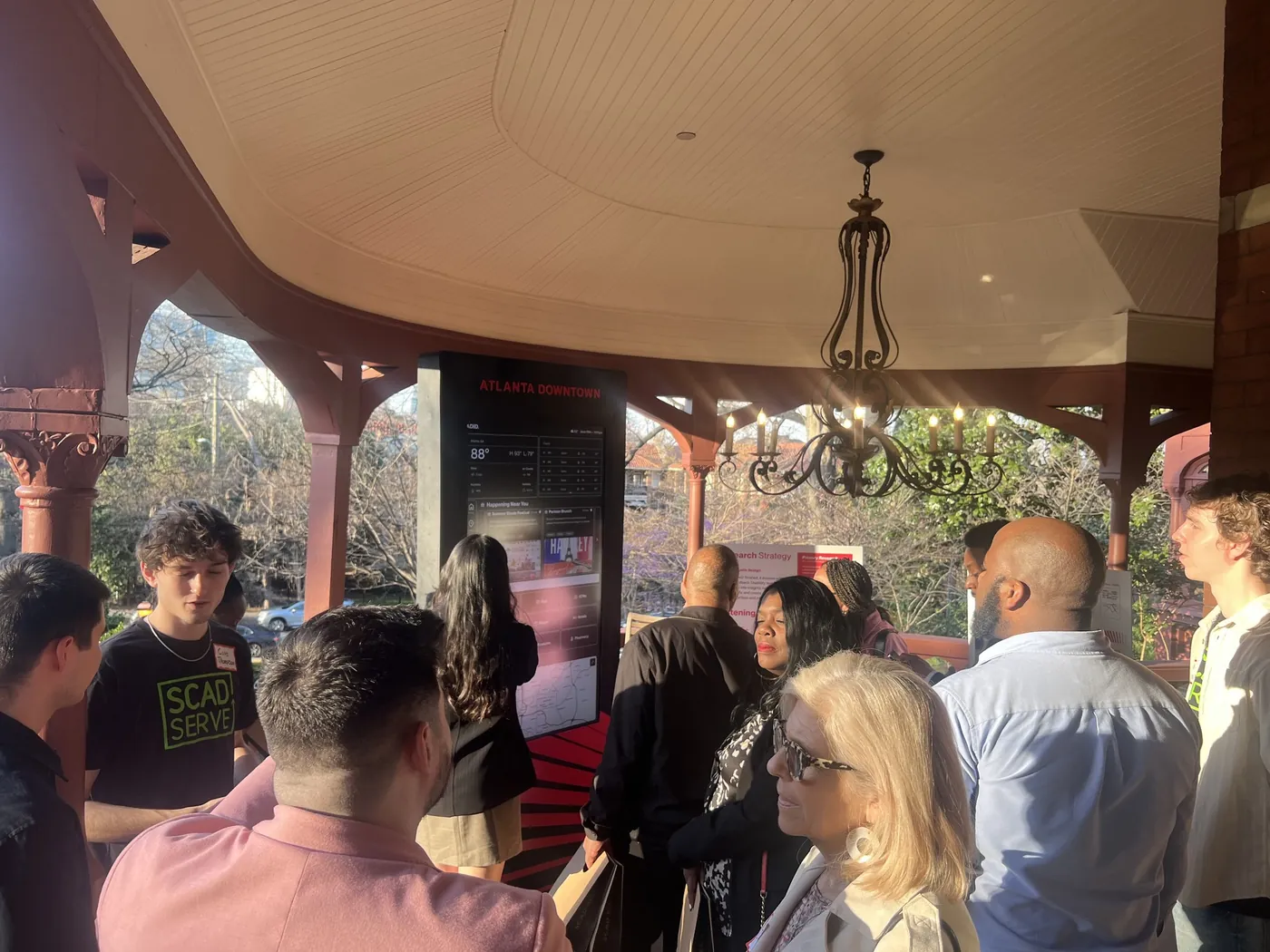
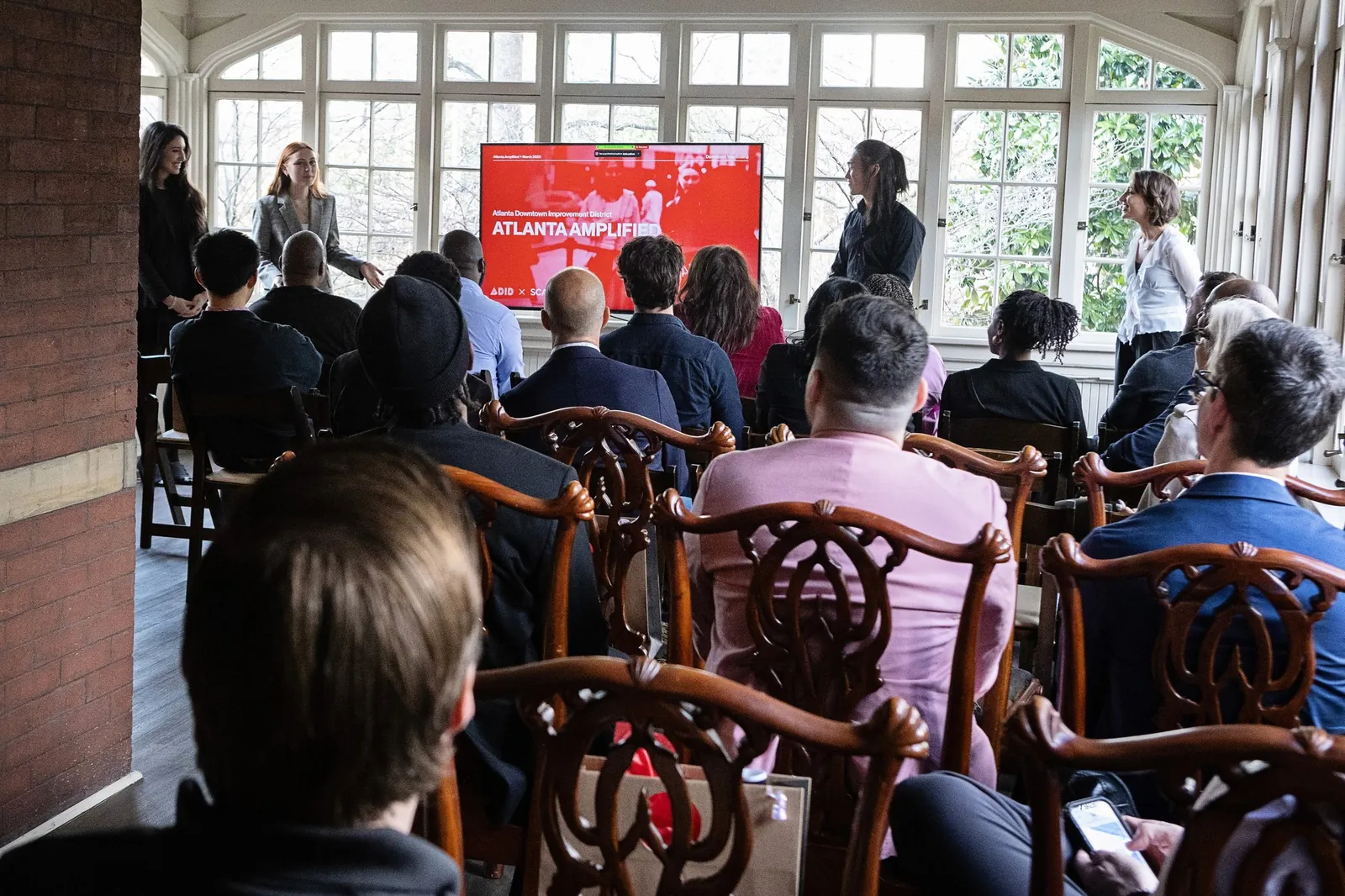
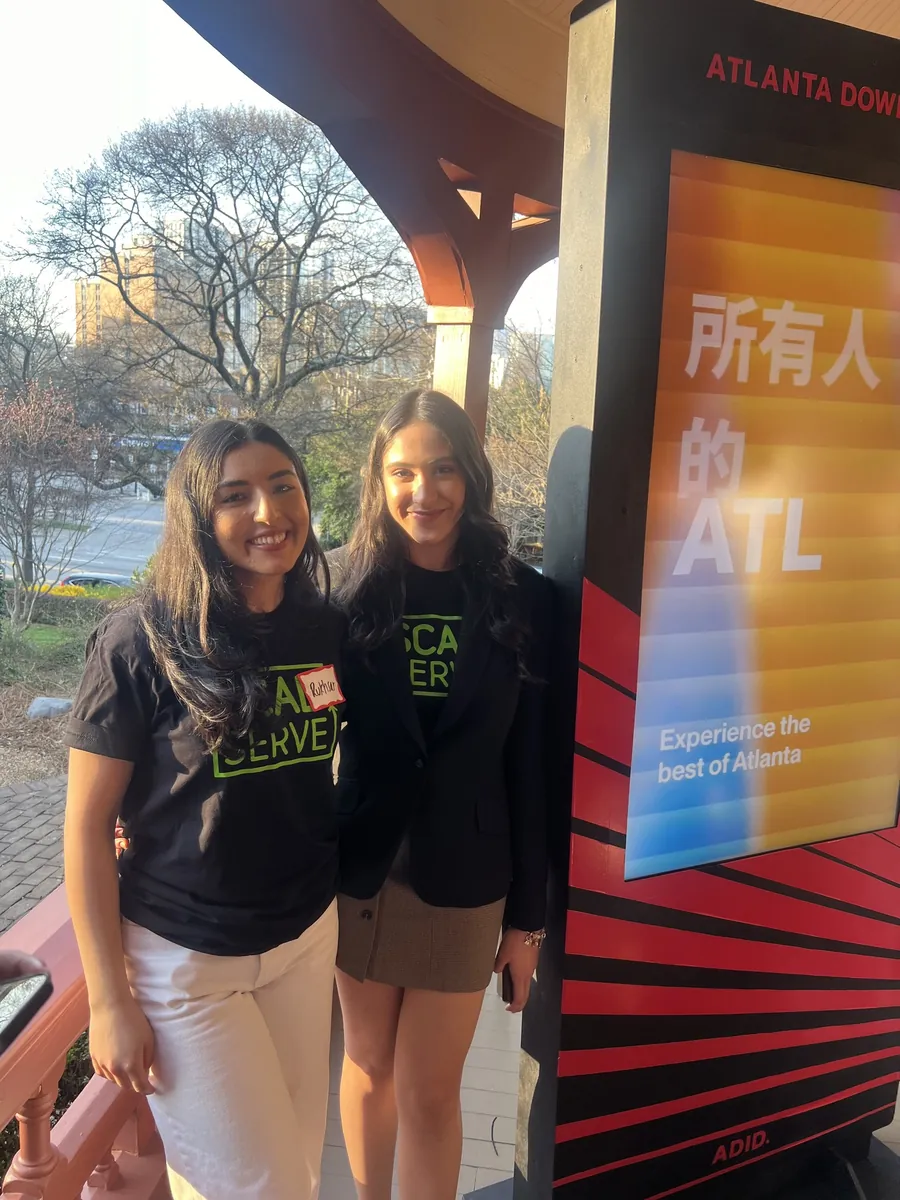
We closed by walking ADID stakeholders through the full scope: research, rationale, and the kiosk on display. The design system and final designs went to the team ready to build.
Reflection
What I learned
Some problems only appear at full scale.
The nav bar was my best decision, and I only caught the problem behind it once we built the prototype at real size. Now I test at full scale early, not late.
Designing for someone isn’t the same as testing with them.
I designed carefully for accessibility and multilingual users, but most of my testers were a general group. Next time I’d get those users in the room before trusting the flows.